BrowserDrop
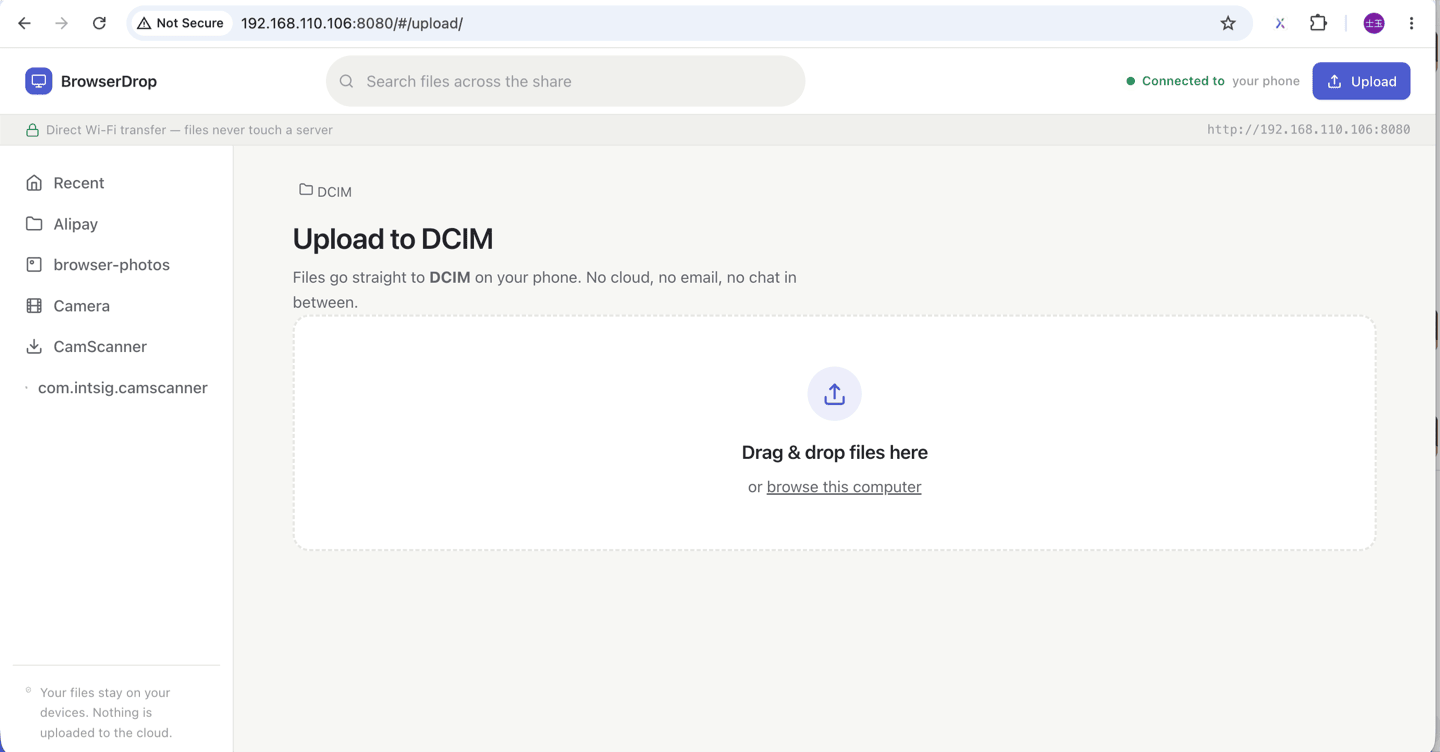
BrowserDrop turns one folder on your phone into a web page on your home network. Browse it, download from it, drop files back into it — from the laptop, the work PC, or a friend's phone.
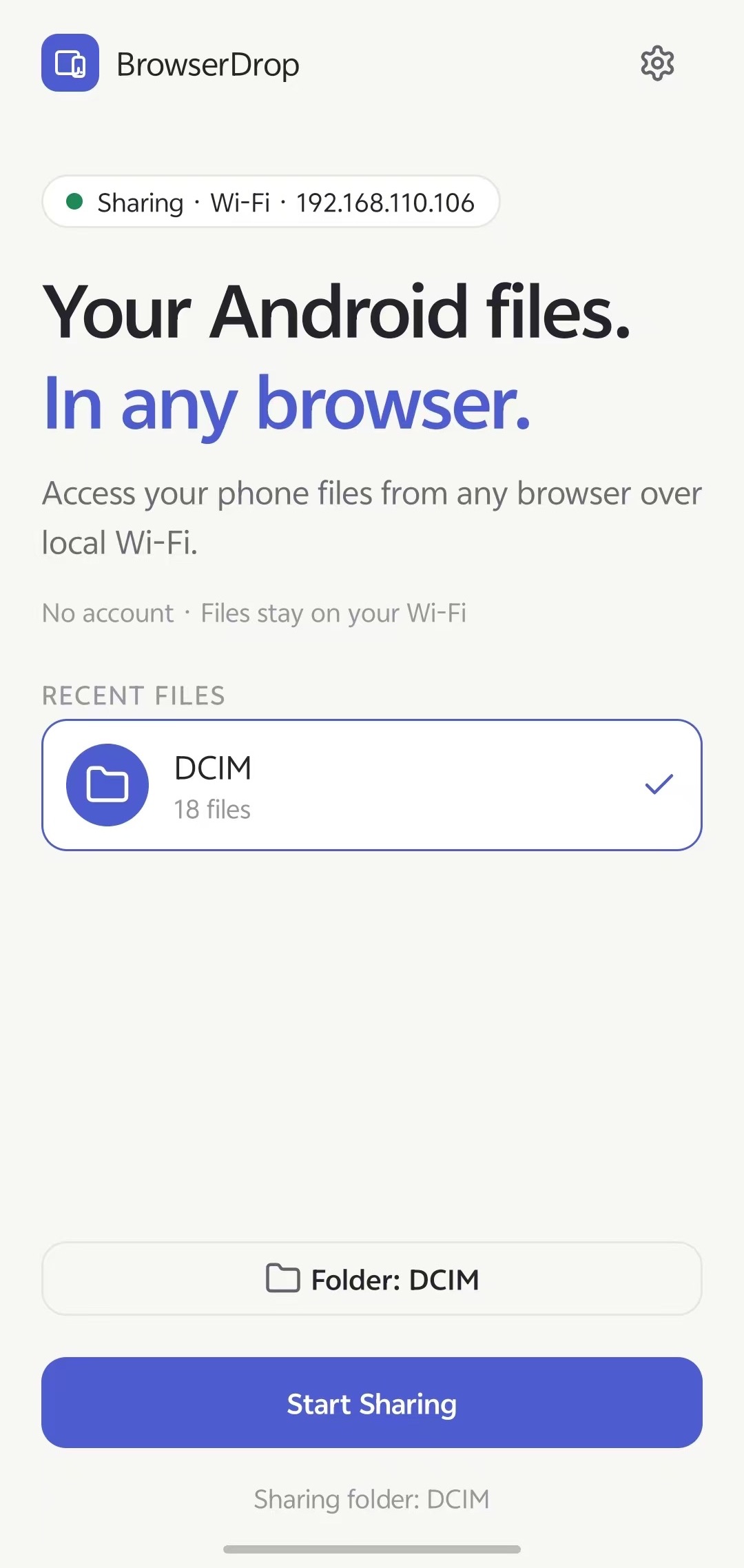
Choose exactly which folder to share — camera dumps, documents, one project. The rest of your phone stays invisible. No storage permission is ever requested; the system picker grants only that one tree.
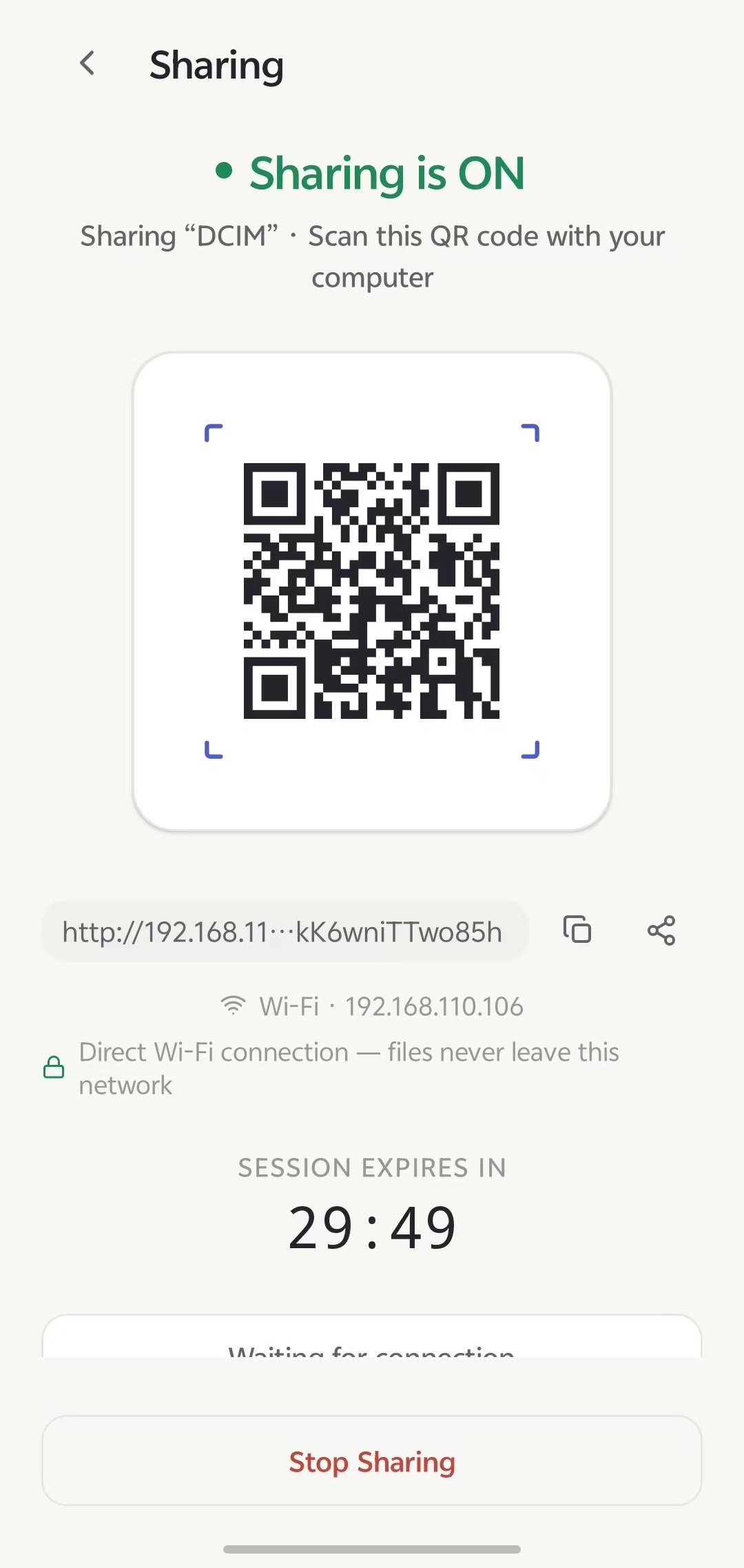
The app shows a QR code and a plain local URL like http://192.168.1.23:8090. Open it on any device on the same Wi‑Fi — Windows, macOS, Linux, another phone.
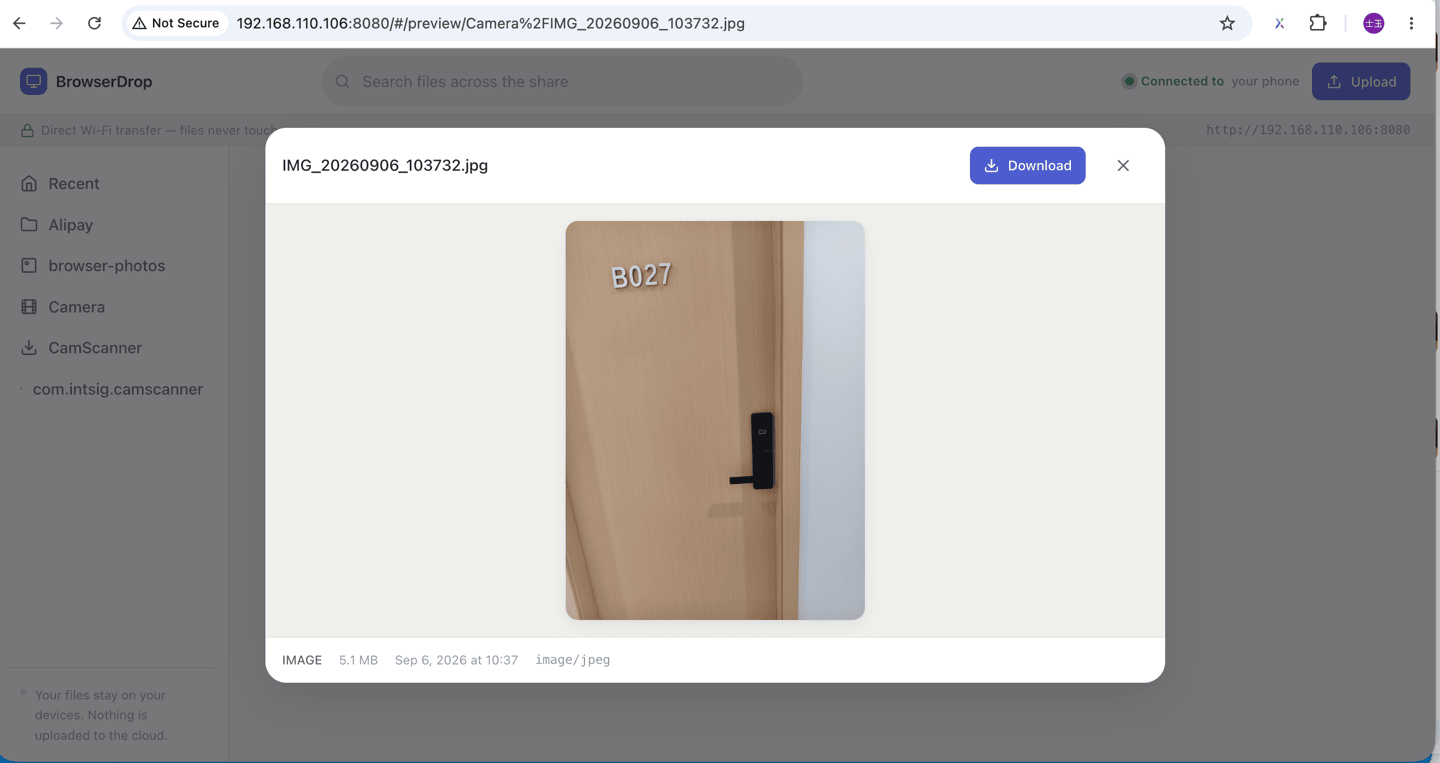
The first visit from a new device pings your notification shade: allow or deny. Approved, and the folder renders as a normal web page you can browse, download from, and upload to.


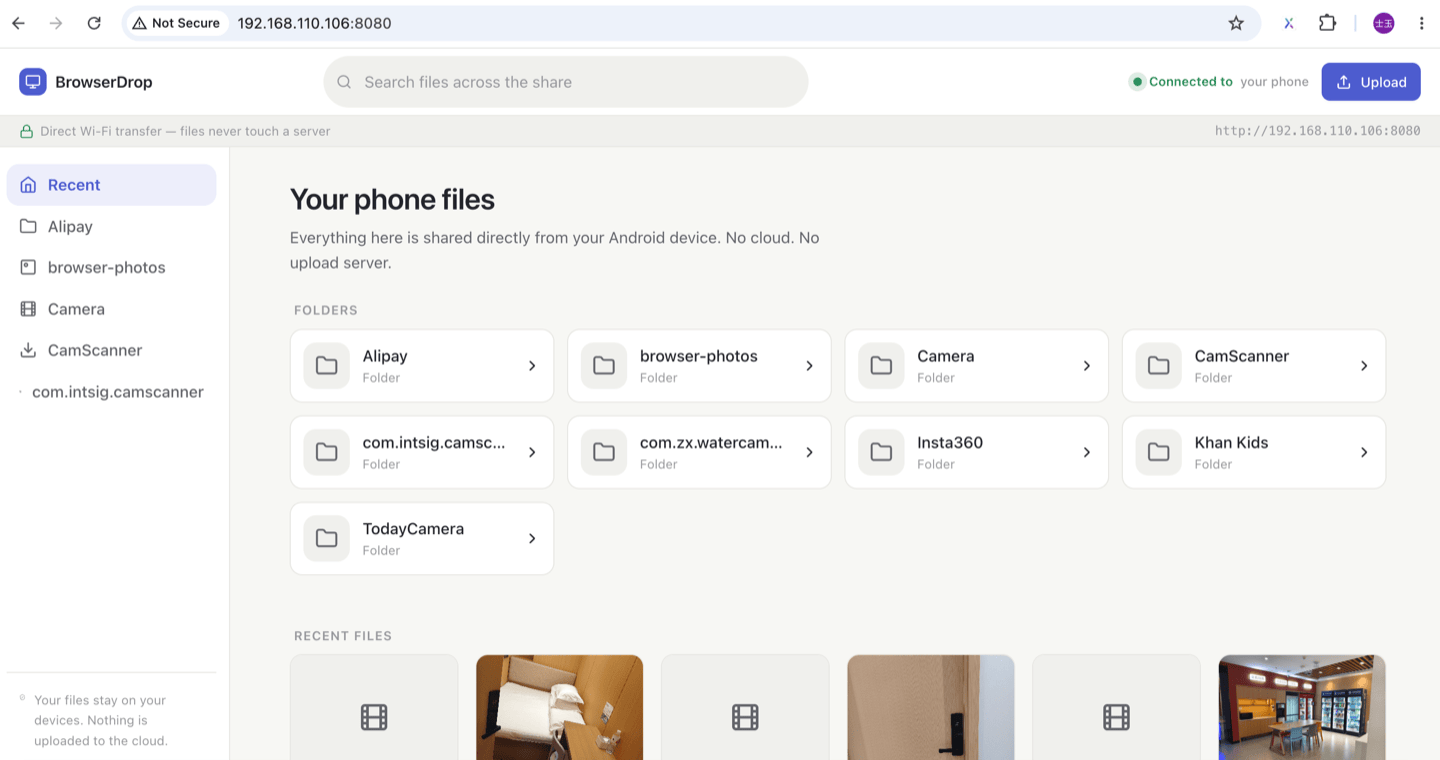
Nothing to install there either. Open the address and the share renders as a normal web page in Chrome, Safari, Edge or Firefox.
Your files never touch the cloud — there is no cloud to touch.
The transfer path is plain HTTP inside your own network: phone to laptop and back. No company server sits in the middle, because there is no middle. What leaves the building is a handful of anonymous crash and usage pings from Firebase — never a filename, never a byte of file content. Full details in the privacy policy.
Everything below happens between your phone and the browser — one folder wide, one session at a time.
The folder appears as a normal web page. Folders, files, sizes, dates. Download one file, or pack a whole subtree into a streaming ZIP — no server-side temp files.
GET · 206 ranges · zipPlay videos and music, view photos, read PDFs and text files right in the browser before you commit to downloading anything.
inline · sandboxedDrag files onto the page to upload them straight into the shared folder. Drop a document on the phone, pick it up on your laptop later.
POST · two-wayDownloads use standard range requests. Refresh the page, drop the Wi-Fi, come back — a big file picks up where it stopped.
range / 206Every connect, download, and upload is listed in the activity log on your phone, with the device that did it. Records live in RAM and die with the session.
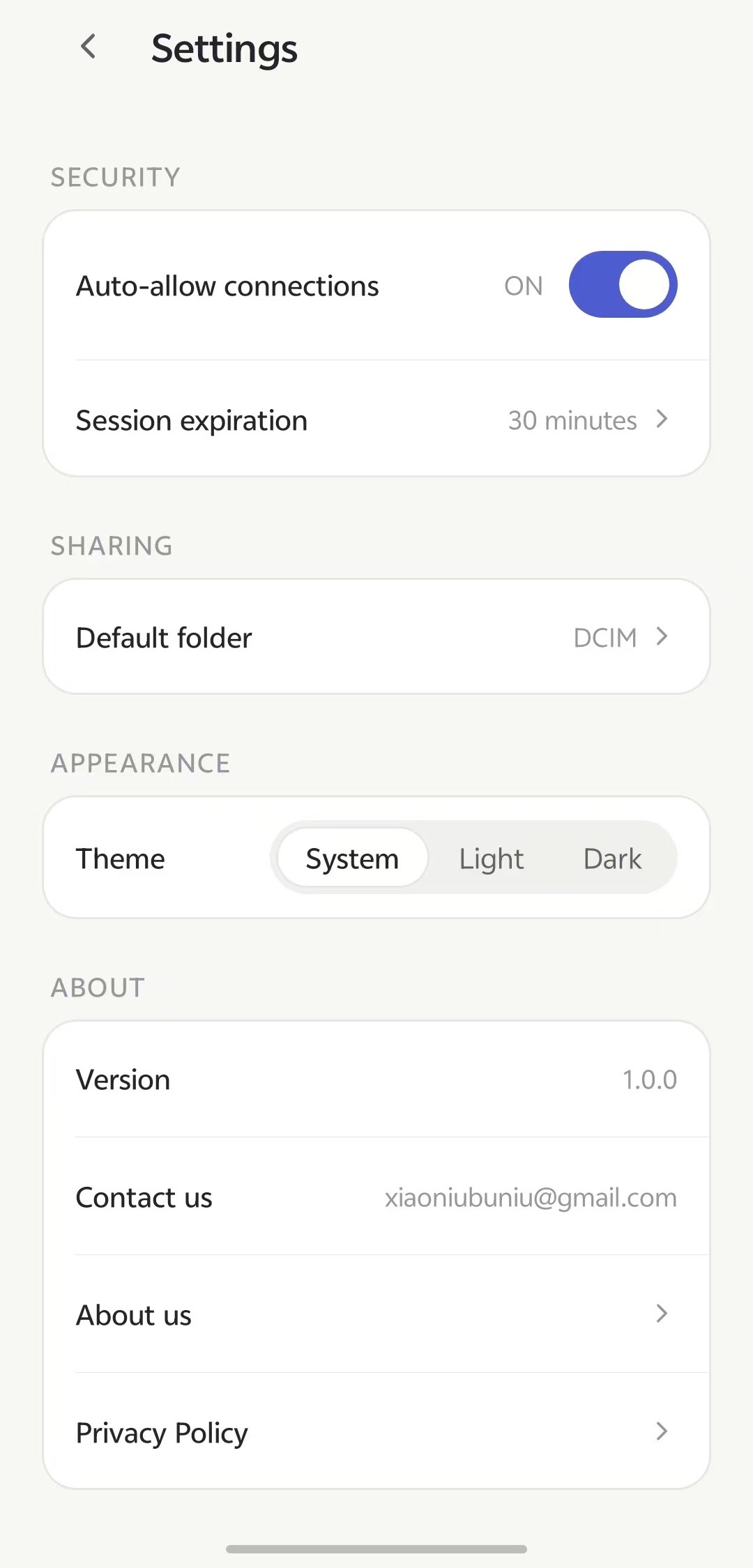
activity logThe always-visible sharing notification has a Stop button. Sessions also self-destruct after the timer you set — 5 minutes to an hour.
stop · auto-expiryThere is no login to crack and no account to breach — the trust design leans on the network itself instead.
The server binds to your phone's LAN address. Nothing is port-forwarded; from the internet, it simply does not exist.
Sessions get a random key; any request without it is rejected before it touches a single byte of your folder.
A new browser gets a notification on your phone: allow or deny, your call. Turn approval off only if you trust everyone on your Wi-Fi.
Forget to stop sharing? The session expires on its own, tokens rotate next time, and the folder goes dark.
No. A browser is the client — Chrome, Edge, Safari, Firefox, anything. That also means you can get to your files from a library PC or a work laptop with no admin rights.
HTTPS would need a trusted certificate for an address that changes with every network, plus a cloud endpoint to broker it — which reintroduces exactly the middleman this app deletes. On your own LAN, with token-checked requests and approval on connect, plain HTTP keeps the file path purely local. Browsers show a “connection is not private” warning once per session; it is expected for a local server and only means nobody vouched for the certificate, not that the transfer leaves your network.
They'd need the session address (shown only on your screen/QR) and — with approval on, the default — a tap from you. Even if both happened, you see the device connect in the activity log, and one tap of Stop ends it. The sharing notification is always visible while a session is live.
Invisible. Android's Storage Access Framework grants the app one folder — never your full storage — and the app requests zero storage permissions. Choose a different folder any time; the old grant stops being used immediately.
Yes — sharing runs on the Wi-Fi LAN itself; your router does not need a WAN connection. Internet access is only used for anonymous crash/usage reports, never for transfers.
No account, no name, no email required. The app sends anonymous usage and crash diagnostics to Google Firebase (device model, app version, coarse region, which screens were used). File names and contents are never part of any report — see the privacy policy.
Android 7.0 and newer as the server. As the client: any modern browser on any OS, or a second phone on the same Wi-Fi.
One folder on your phone, one tab in your browser. That's the whole setup.